Enlarge pageGive growth a specific job.Choose a customer action and an everyday task before adding another tool.Enlarge pageMake the next step obvious.Review the questions, proof and next action on your website.
01 / Start with the work
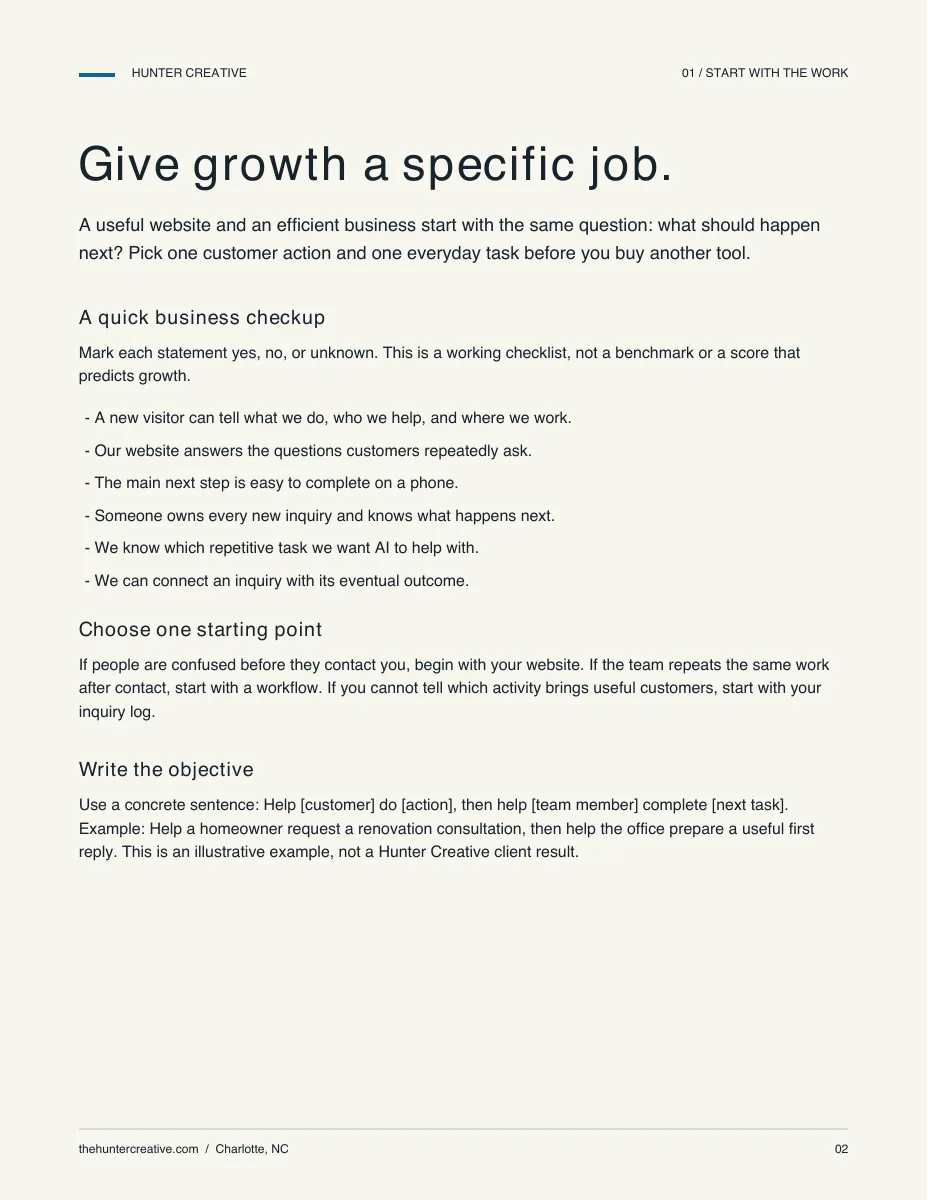
Give growth a specific job.
A useful website and an efficient business start with the same question: what should happen next? Pick one customer action and one everyday task before you buy another tool.
A quick business checkup
Mark each statement yes, no, or unknown. This is a working checklist, not a benchmark or a score that predicts growth.
A new visitor can tell what we do, who we help, and where we work.
Our website answers the questions customers repeatedly ask.
The main next step is easy to complete on a phone.
Someone owns every new inquiry and knows what happens next.
We know which repetitive task we want AI to help with.
We can connect an inquiry with its eventual outcome.
Choose one starting point
If people are confused before they contact you, begin with your website. If the team repeats the same work after contact, start with a workflow. If you cannot tell which activity brings useful customers, start with your inquiry log.
Write the objective
Use a concrete sentence: Help [customer] do [action], then help [team member] complete [next task]. Example: Help a homeowner request a renovation consultation, then help the office prepare a useful first reply. This is an illustrative example, not a Hunter Creative client result.
02 / Your website
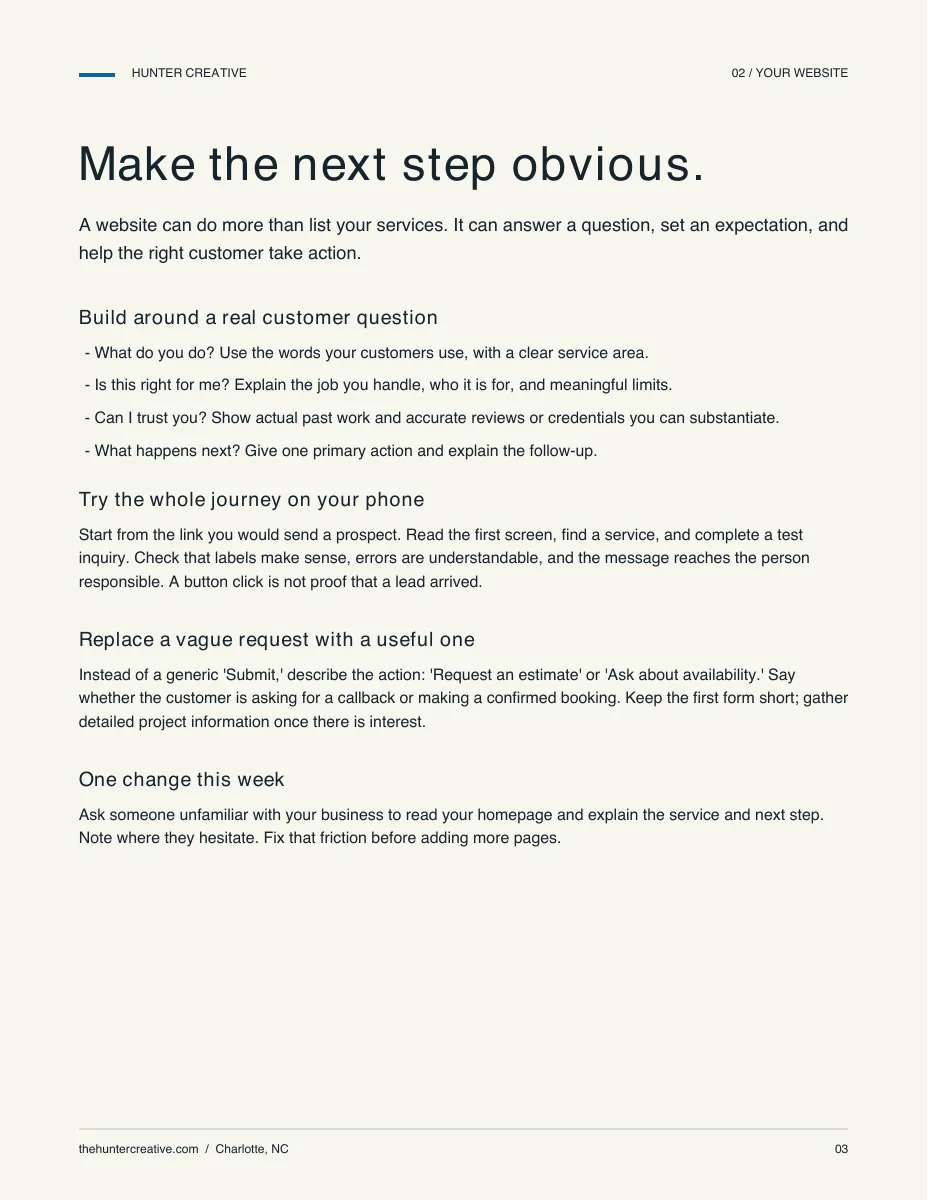
Make the next step obvious.
A website can do more than list your services. It can answer a question, set an expectation, and help the right customer take action.
Build around a real customer question
What do you do? Use the words your customers use, with a clear service area.
Is this right for me? Explain the job you handle, who it is for, and meaningful limits.
Can I trust you? Show actual past work and accurate reviews or credentials you can substantiate.
What happens next? Give one primary action and explain the follow-up.
Try the whole journey on your phone
Start from the link you would send a prospect. Read the first screen, find a service, and complete a test inquiry. Check that labels make sense, errors are understandable, and the message reaches the person responsible. A button click is not proof that a lead arrived.
Replace a vague request with a useful one
Instead of a generic 'Submit,' describe the action: 'Request an estimate' or 'Ask about availability.' Say whether the customer is asking for a callback or making a confirmed booking. Keep the first form short; gather detailed project information once there is interest.
One change this week
Ask someone unfamiliar with your business to read your homepage and explain the service and next step. Note where they hesitate. Fix that friction before adding more pages.
03 / Show up locally
Be useful to a nearby customer.
Local relevance comes from real information about your business and the customers you serve. A Charlotte address alone does not explain why someone should choose you.
Keep business information accurate
Review your Google Business Profile and website together. Confirm the service category, contact details, hours where relevant, and actual service area. Use original photos and respond thoughtfully to reviews. Google describes local results as depending on relevance, distance, and prominence; no one can guarantee a placement. [1]
Give location pages a reason to exist
Describe the services you genuinely offer in an area and the practical questions those customers have. Avoid cloning a page for every neighborhood while changing only its name. A clear service-area explanation can be more useful than a collection of thin pages.
Do the basics for AI search, too
Google says its established search fundamentals also apply to AI Overviews and AI Mode. There is no special markup or separate optimization required for those features. Helpful, accessible content remains the starting point; inclusion is not guaranteed. [2]
One change this week
Write down the five questions your team answers most often. Put accurate, approved answers on the page where a customer is likely to need them. Include what happens before and after an inquiry.
04 / Practical AI
Start with one repeat task.
The first goal is a workflow your team can understand and review. Choose an everyday task before choosing a new subscription or connecting every business app.
Choose a manageable task
Compare tasks by frequency, current effort, available information, and the consequence of an incorrect result. Good candidates for a first trial can include drafting routine replies, turning notes into action items, or organizing inquiry information for a person to review.
Map six simple steps
Trigger: what starts the task?
Input: which approved information should the assistant use?
Task: what should it produce?
Review: who checks accuracy and missing information?
Destination: where does the checked result go?
Success check: did it reduce effort without creating more rework?
Use the tool you can operate
Start with one assistant your team is comfortable using. Check its current privacy controls, plan limits, and permitted business use before adding customer information. Use sanitized examples while learning. Keep review in the workflow when drafts affect prices, availability, policies, or customer commitments.
Add connections when there is a reason
Copying approved information into a draft can be enough for the first trial. Add a live connection only when it solves a known problem. Name the access owner, limit what it can read or change, and keep a manual fallback.
05 / A reusable starting point
Write instructions once. Improve them with use.
A useful skill is a repeatable set of instructions, grounded in your business. You can begin with plain text and test it with an example before setting up any product-specific skill installation.
Try this instruction template
You help our team draft replies to routine customer inquiries. Use only the approved business information and the inquiry supplied below. Do not invent prices, availability, delivery dates, policies, or commitments. If something is missing, flag it and suggest one question for the team to resolve. Produce: (1) a concise draft reply; (2) facts to check; (3) the next action and its owner. Keep a warm, straightforward tone. A person will review and send the reply. Do not send messages or change business records.
Add the context
Business and customer: [who we help and what we do]
Approved information: [services, policies, and known facts]
Inquiry: [a sanitized example]
Human reviewer: [role or owner]
Missing information: [facts the assistant must not guess]
Practice an exception
Give your team a second example with a missing price or unavailable date. The useful response should identify the gap instead of inventing an answer. Update the instructions based on what goes wrong, then repeat the exercise.
Keep the first version small
Name one person to maintain the approved information and instructions. Review real examples together before extending the workflow. The free Hunter Creative AI Starter Kit includes a Website Growth Checkup and an AI Workflow Starter to guide this process.
06 / Connect activity with outcomes
Track the inquiry all the way through.
Visits and downloads tell you something happened. Your business needs to know whether that activity became a useful conversation, a proposal, and a customer.
Start with a simple inquiry log
Date and a private inquiry identifier
Source: referral, search, campaign, returning customer, or unknown
Service requested and assigned owner
Status: new, contacted, qualified, proposed, won, or closed
Next action and date
Revenue when won, plus estimated delivery effort
Keep source tracking honest
Use consistent campaign labels in links and ask customers how they heard about you. Record unknown when you cannot tell. A shared link, a cross-device visit, or a referral after seeing an ad can break the apparent trail. One recorded source is useful context, not proof that it deserves all the credit.
Measure the AI workflow, too
Record baseline minutes per task and assisted minutes including review and corrections. Compare quality as well as time. For example, 12 minutes before and 8 minutes after would mean 4 minutes less effort per task; at 15 tasks, that is 60 minutes. These are illustrative numbers, not promised savings.
Make one decision from the evidence
Review the log weekly. Which inquiries fit your business? Where does follow-up stall? Which work uses more time than expected? Choose the next improvement from the pattern, while treating a small sample as directional.
07 / Your first 30 days
Keep the plan small enough to finish.
This is a suggested sequence, not a promised growth timeline. Assign one owner and reserve a manageable block of time each week.
Week 1 / Find the friction
Complete the checkup. Choose one customer action and test it on a phone. Review recent inquiries and repeated questions. Pick one administrative task and record the current process and effort.
Week 2 / Fix the next step
Improve the headline, service explanation, or inquiry path that causes the clearest confusion. Test receipt and follow-up. Create the inquiry log and agree on who checks it. Keep other major changes stable so you can learn from this one.
Week 3 / Trial the workflow
Use sanitized examples and the reusable instructions. Have the person who does the task review the results. Test a missing-information case. Record total effort and corrections; update the instructions before using them more broadly.
Week 4 / Decide what earns another month
Review inquiry quality, follow-up, task effort, and rework. Keep useful changes, fix problems, and stop work that adds complexity without a clear benefit. Choose one next improvement. Define a budget and stop condition before adding paid acquisition.
A clear division of work
Owners can often clarify their offer, update FAQs, and establish an inquiry log themselves. Outside help is useful when a site rebuild, data connection, or team rollout needs more design and implementation time than the business can give it.
08 / A working scorecard
What changed? What did you learn?
Fill this in at the start and at your next review. Use actual records where possible. Leave a field unknown if the evidence is missing.
The customer journey
Primary customer action: ____________________
Inquiries received / qualified: ____________________
Conversations held / proposals / wins: ____________________
Where follow-up stalled: ____________________
Next improvement and owner: ____________________
The everyday workflow
Task and review owner: ____________________
Baseline minutes / assisted minutes including review: ____________________
Missing information or unexpected errors: ____________________
Keep, revise, or stop? Why? ____________________
One useful next conversation
If you want a hand with your website, an AI workflow, or connecting the pieces, Hunter Creative can help define a focused next step. Request a 15-minute call at thehuntercreative.com or email hello@thehuntercreative.com.
About Hunter Creative
Hunter Creative helps small businesses in Charlotte drive growth and run on easy mode with AI, with small-business experience dating back to 2009. Operated by DJAM Lab LLC. 1717 Cleveland Ave, Charlotte NC 28203.
Sources and local help
Keep learning. Keep it useful.
The checklists, examples, and 30-day sequence are Hunter Creative’s practical recommendations. Examples are illustrative, not measured client results. The sources below support the specific search guidance and local resource information.
A local resource offering free confidential advising and workshops for Mecklenburg County businesses. Check current availability directly.
Sources reviewed September 26, 2026. Product features and local programs can change; check the current official information before committing time or money.